OBS Plugins
Color pulled apart. A palette held steady. Light and texture made adjustable. Four effects for live video, delivered in three native modules.
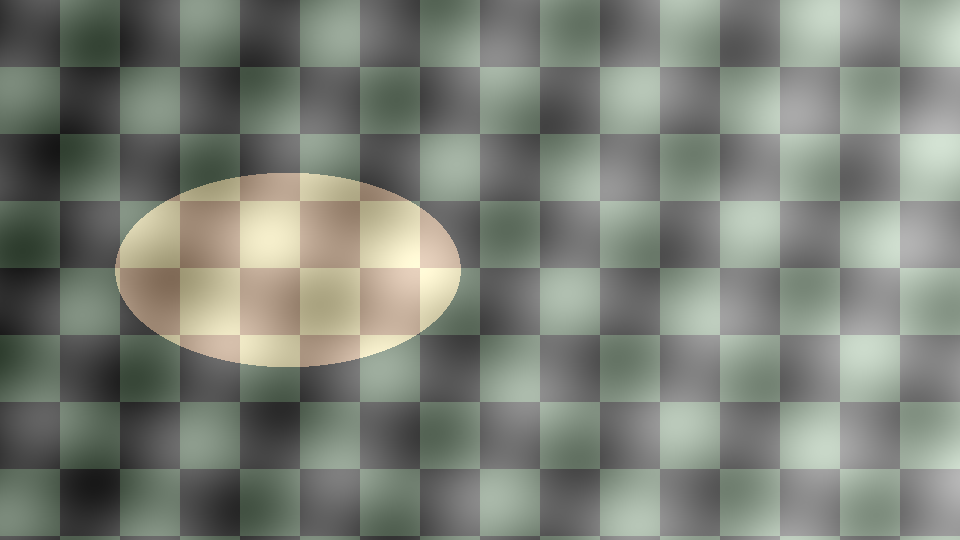
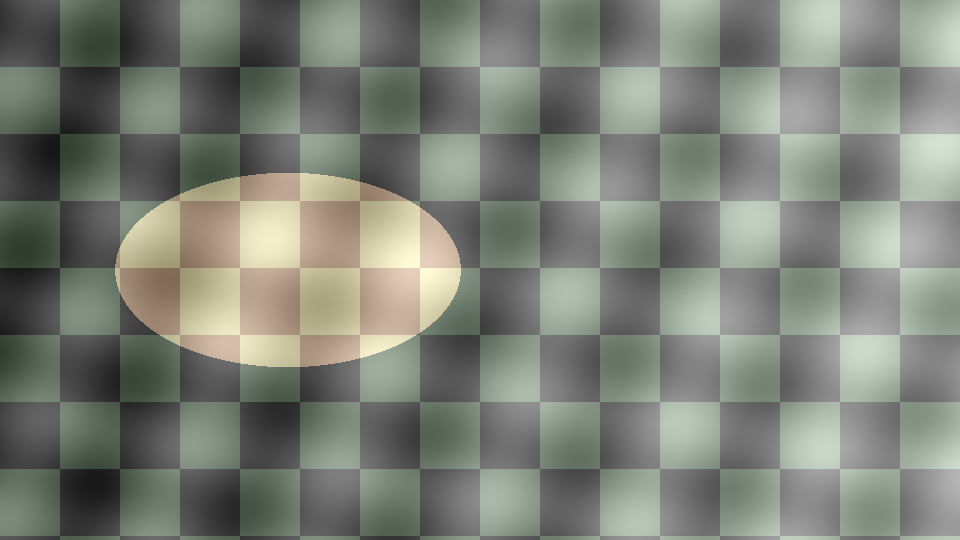
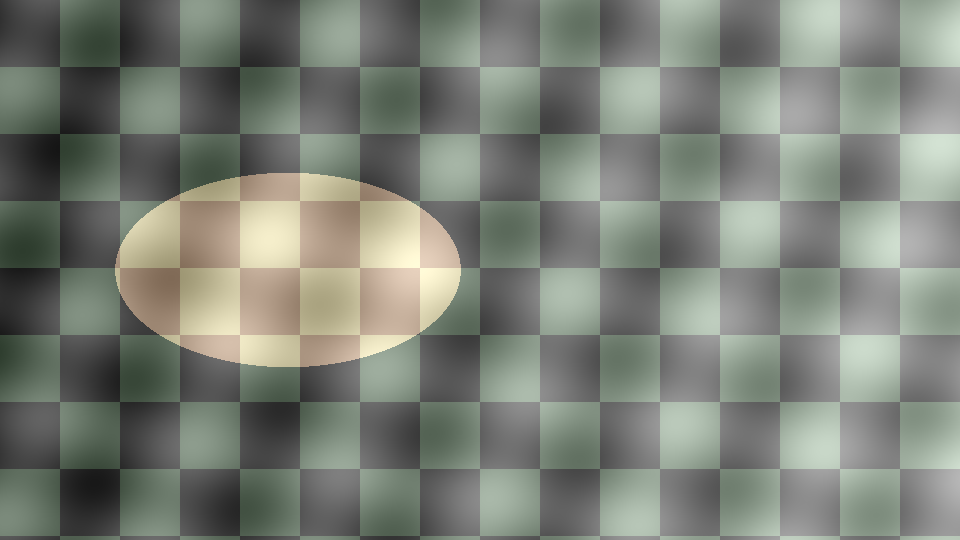
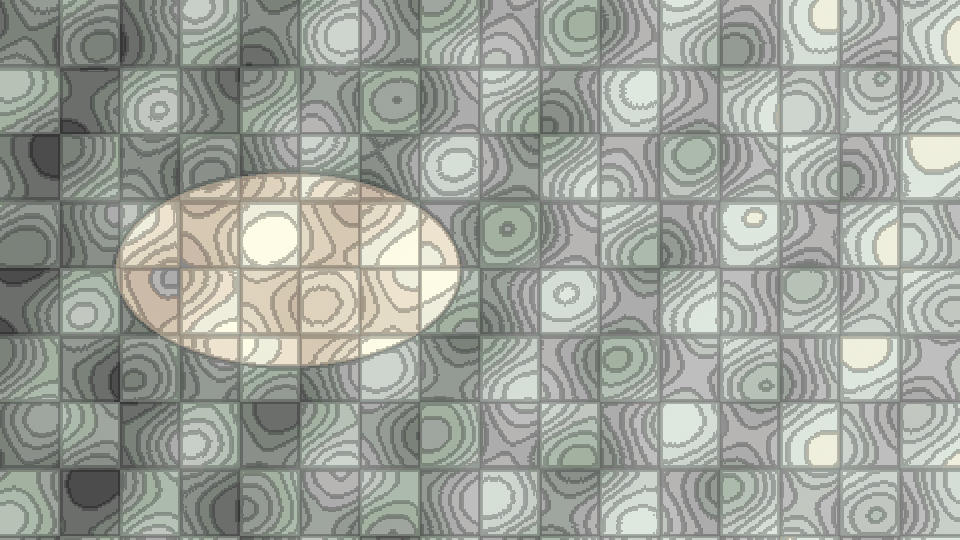
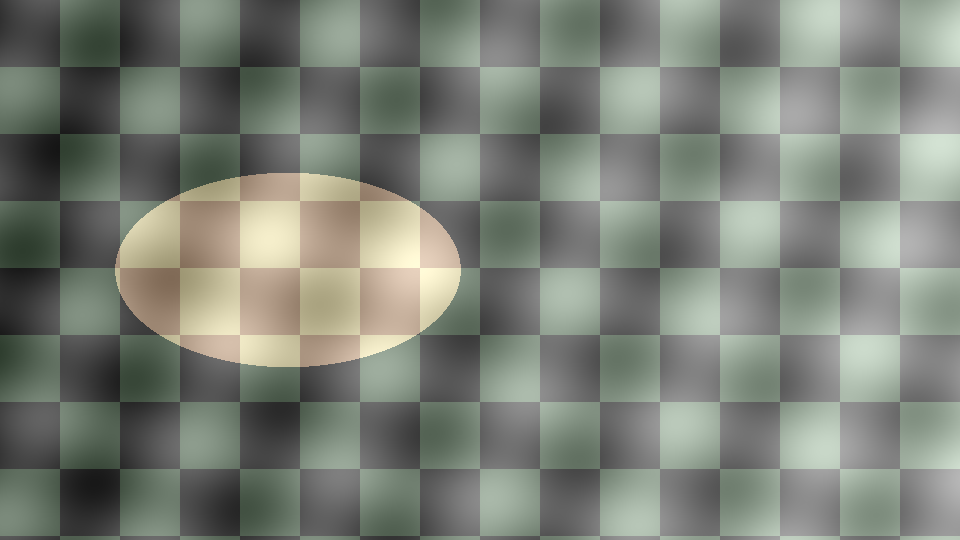
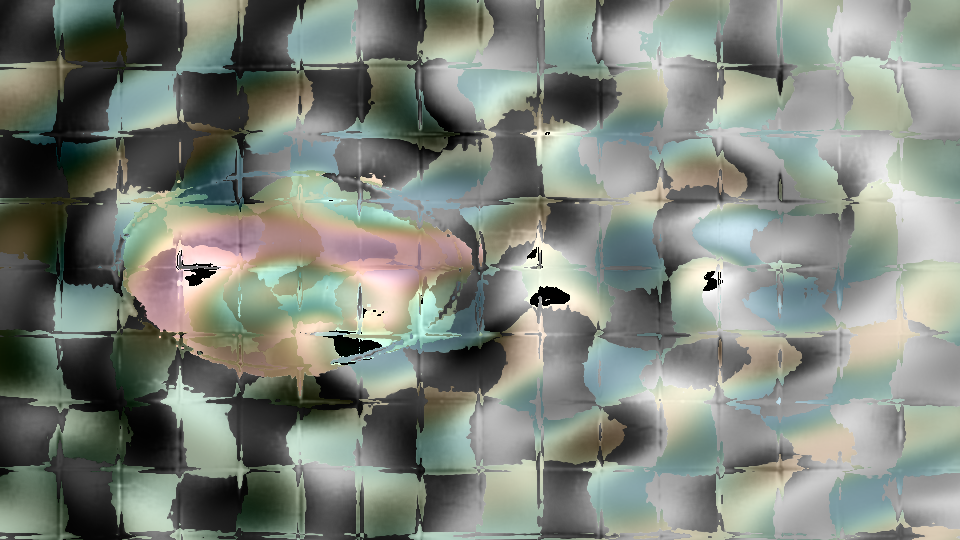
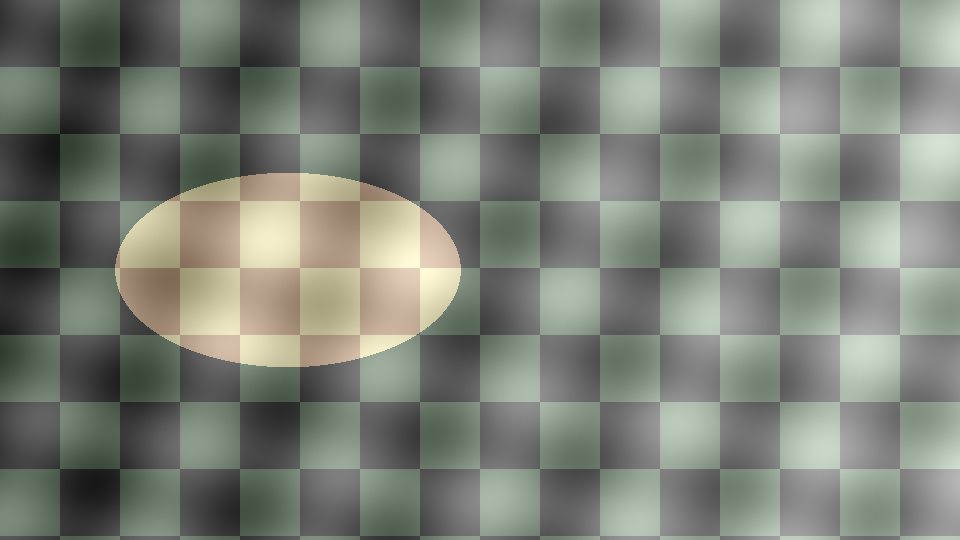
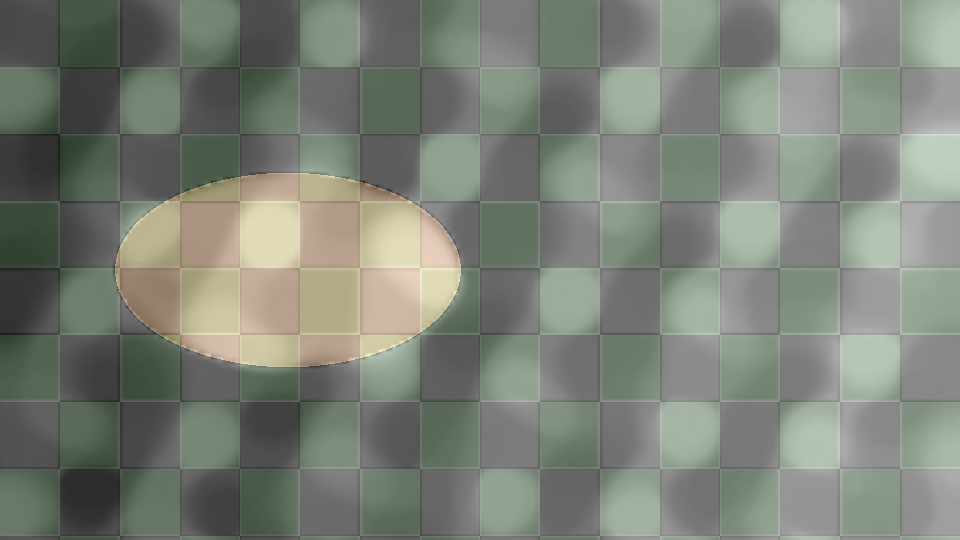
These filters run locally inside OBS Studio. The comparisons below use a deliberately constructed image with gradients, edges, and repeated detail. Every effect image is a real plugin render; the original stays alongside it so the change is visible. Capture settings and provenance are available for every comparison.
Entropy-Guided Decorrelation Stretch
Reveal small color differences in an SDR image. The filter measures entropy in sampled color channels, separates correlated RGB variation, and redistributes the available color range. A GPU lookup table applies the learned transform to the full frame while temporal controls soften changes between frames.
Start gently: decorrelation 0.09 and allocation 0.11. This is a false-color enhancement; increased separation can change the apparent colors of the scene.
Chains optionally changes the processing sequence. It starts off. RGB amount 1 and both tone amounts 0 retain the existing output. Use the additional ordering and tone controls when you want to explore beyond that starting point.


Posterizer Mark IV
Reduce a moving image to a learned palette of 2–64 colors. Detail weighting and color-family priority give small, distinctive regions a say in the palette; temporal learning and color stability keep near-tie regions from flashing between colors.
Adjust palette size, structural sensitivity, and the lightness, chroma, and hue weights. Optional contour and detail ink add a graphic finish. Set both ink amounts to zero and saturation and contrast to 1 for the unadorned palette.
Mark IV and Entropy Stretch arrive in the same Realtime Vector FX module. Install it once. The module also includes the CPU/GPU vector effects and retains the old posterizer registration for existing scenes.
CONV* Support Toys
Twenty-five modes turn the image’s sampled support structure into different treatments of color, light, and geometry. The choices include Tangent Ribbons, Braided Loom, Support Lens, and Aharonov–Bohm Flux Knots. Choose a mode, then explore analysis resolution, reach, hue, lightness, and motion.
This release preserves the multi-mode 0.4.1 Support Toys filter. Its recovered implementation was compared with the installed 0.4.1 binary: all 25 modes matched byte for byte on the 320 × 180 test fixture, with eight further cases covering different controls and resolutions up to 1080p.
Those comparisons establish agreement for the tested inputs and settings. The separate DIP-CONV Gaussian Comb Transport 0.5 operator is not included in this package.
BFFT Cartoon
Separate luminance into a smooth cartoon layer and signed texture, then mix those layers back into the source color. Use cartoon gain 1, texture gain 0, and shading gain 0 for a smooth starting look; raise texture gain to bring detail forward.
Choose the finite-flow engine or adjustable fused passes on the same aspect-preserving work lattice. Additional looks include Fine chrome, Recursive recovery, Layer interference, and Information caustics. Larger analysis sizes increase transform cost and memory use.
The module supports both frame-based and GPU-rendered sources; OBS exposes the compatible Cartoon registration for the source. It also bundles BFFT High Vision, with temporal Synthetic HDR and Night integrator modes for asynchronous camera and video sources.
Downloads
Choose your operating system for each module you want. Entropy Stretch and Posterizer Mark IV share one download. Replace an older copy of a module when updating, so OBS loads a single copy of each filter registration.
| Module | Windows x64 | macOS universal | Linux x64 |
|---|---|---|---|
| Realtime Vector FX 0.4.0Entropy Stretch + Chains, Posterizer Mark IV, and vector effects | Windows x64 ZIP | Mac universal ZIP | Linux x64 tar.gz |
| CONV* Support Toys 0.4.1The recovered 25-mode filter | Windows x64 ZIP | Mac universal ZIP | Linux x64 tar.gz |
| BFFT Cartoon 0.9.0Cartoon and High Vision | Windows x64 ZIP | Mac universal ZIP | Linux x64 tar.gz |
Release source archive · SHA-256 checksums · Release manifest and build provenance
Compatibility and verification
Requires OBS Studio 32.2.1; built against that version’s headers. Native runtime checks use OBS 32.2.1 with Metal on Apple Silicon. Windows and Linux binaries are cross-compiled with ABI checks and have not been tested in their native OBS runtime. Intel Mac slices load and register under Rosetta on the Mini; they have not been graphically verified on native Intel hardware.
- Windows: Windows 10/11, x64.
- macOS: macOS 13 or later. Universal binaries contain both Apple Silicon and Intel slices.
- Linux: x64, glibc 2.35 or later, with
libobs.so.30. Packages target a standard OBS installation; they are not Flatpak extensions.
The Apple Silicon checks exercise Entropy’s six chain orders, Posterizer and Realtime Vector FX rendering, and Cartoon’s asynchronous and synchronous paths. The CONV comparisons described above check recovery against the original installed filter. These are bounded correctness and rendering checks, not a frame-rate guarantee for every source size or computer.
Installation
Close OBS before installing or replacing a module. Extract the package and follow its included installation instructions. Keep the module’s files together, then reopen OBS and add the filter to the intended source through its Filters window. These paths follow the OBS plugin installation guide; portable installations use their own data/plugins directory.
Windows
Extract the module folder into C:\ProgramData\obs-studio\plugins\. Keep its bin/64bit and data/locale directories together.
macOS
Place the .plugin bundle in ~/Library/Application Support/obs-studio/plugins/. The same universal bundle serves Apple Silicon and Intel Macs. It is ad hoc signed, without Apple Developer ID signing or notarization. macOS may require local approval; verify the checksum and follow the package README.
Linux
Extract the module folder into ~/.config/obs-studio/plugins/. Keep its bin/64bit and data/locale directories together.
If a filter does not appear, inspect the OBS log for module-loading errors and check the package architecture and OBS version. Cartoon’s menu registration depends on the selected source type.
Licenses and source
Each package includes license notices and source/build provenance. The BFFT source carries the MIT license. The OBS-linked distribution includes a GPL-2.0-or-later notice and the applicable SIMD and runtime license notices. Retain those notices when redistributing.